Handing your pages to someone who has never run them
In most cities and townships, social media is not a job. It is a duty that lands on a clerk, a deputy, or a new hire, next to everything else they do. A city manager told us on a demo call this month that the hardest part is exactly this: bringing on someone who may not be seasoned, with no roadmap to hand them. This guide is that roadmap, from the manager’s side. It is the structure to put in place before your new person writes a single post, drawn from more than a million measured posts by U.S. local governments.
The short version: fix the account before the content (the page must belong to the government, with two named admins); write the five decisions down on one page; set a low cadence floor and hold it (small governments post a median of 12 times a month); and approve categories, not posts, so the routine 90 percent never waits on you.
In this guide: The account itself · The one-page charter · Cadence and topics · Approvals and guardrails · How governments use it · Their first month · How you will know it is working · Where these numbers come from
First, the account itself
Before anyone new touches the keyboard, check three things about the page they are inheriting. These take an hour and they are the difference between a handoff and a hostage situation.
The page is a Facebook Page owned by the government, not a personal profile and not a group. This sounds obvious. It is not. When we mapped every government in one Pennsylvania county this month, five of its 34 ran their official presence as a personal profile or a private group, including townships whose own websites link to them. A profile belongs to a person, caps connections, and leaves with that person. A group hides your posts from non-members and from every measurement tool, ours included. If your government is on a profile or group today, migrating to a real Page is the first task on the new person’s list, not the tenth.
At least two current employees hold admin access. Not a former clerk, not the IT vendor, not somebody’s personal account that nobody can reach. Departures with sole admin access are how governments lose their pages for months.
The recovery email is a government inbox someone reads. Password resets and platform notices should land where the organization, not an individual, can see them.
Not sure what comparable governments’ pages even look like? A free 14-day GovFeeds trial shows you, no credit card and no setup.
The one-page charter
The single highest-leverage thing a manager can hand a new communicator is one page that answers five questions. Not a 30-page policy. One page, signed by you, that removes the ambiguity that actually causes problems.
- Who posts. Name the person and the backup. If departments want things posted, they send them to this person; they do not get their own logins.
- How often. A floor, not a ceiling: three posts a week is a solid floor for a small government. Put it in writing so quiet weeks do not become quiet months.
- What we post. Name your five or six categories: road and utility work, public safety, events, meetings and decisions, parks and programs, staff and community recognition. Your new person should never wonder whether something is in scope.
- What needs your approval. Keep this list short: personnel matters, legal matters, emergencies, anything about a named resident, and responses to controversy. Everything else is pre-approved by category.
- What never goes up. Politics and campaigns, unverified information during incidents, anything from their personal account speaking as the government.
2. Floor: 3 posts a week, every week
3. Our categories: roads & utilities · safety · events · meetings · parks · recognition
4. Comes to the manager first: personnel, legal, emergencies, named residents, controversy
5. Never: politics, unverified incident info, personal accounts speaking for the Town
The charter is also your answer to council when someone asks who approved a post. The answer is: the charter did, and here is the category it fits.
Set the cadence and the topic mix, not the wording
Across the last twelve months of measured posting, governments under 10,000 residents post a median of 12 times a month, mid-size governments 21, and larger ones 29. Per-post engagement holds steady from roughly 8 to 30 posts a month, so there is no penalty for starting modestly. The failure mode is not posting too little in a given week. It is disappearing for three of them.
On topics, the evidence is blunt: the biggest lever your new person controls is the mix, not the writing. The four weakest-performing categories eat 37 percent of the average government’s calendar, while infrastructure, the single most-forwarded topic, gets 8.5 percent. Point your new person at the work residents can see: road and water projects, public safety, events. Our companion guide What should we post this month? has the full numbers and a copyable sample month, and it is written for the person doing the posting.
One more scheduling fact worth handing them on day one: the weekend is wide open. Saturday and Sunday carry about 12 percent of local-government posts and out-earn every weekday.
Approvals and guardrails that do not bottleneck
The most common structural mistake is requiring approval for everything. It feels safe, and it guarantees your feed goes quiet, because you become the bottleneck for a road closure notice at 4:45 on a Friday. The charter’s category approach fixes this: routine categories are pre-approved, and the short sensitive list comes to you.
Here is what pre-approved categories buy you, in two real posts from the last week. Screenshots are the live Facebook posts; click either to see the original.
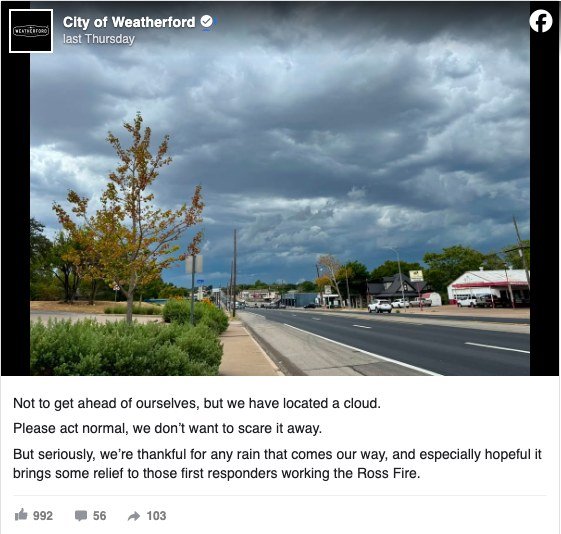
Mid-drought, the City of Weatherford, Texas posted one cloud and a promise not to get ahead of themselves. About 1,500 reactions in a week when the typical government post earns five. Nobody approves this on a Friday afternoon unless the answer is already yes.

A passerby caught two Richland County, South Carolina deputies changing a stranded driver’s tire, and the department posted the candid photos: over 800 reactions and climbing. The person holding the phone knew the answer was yes.
Two guardrails cover most of what managers actually worry about:
- Comments. Decide the comment posture up front rather than in the middle of the first argument. There are legitimate reasons to restrict comments and several middle paths short of turning them off, and turning them off has a measurable cost. Our guide Should your city turn off Facebook comments? walks through the options; hand it to your new person before they need it.
- Incidents. During emergencies, the rule is: only confirmed information, from the official account, on the schedule the incident commander sets. An inexperienced poster’s instinct to share fast is exactly wrong here, and it is much easier to say so in the charter than in the moment.
How governments actually use it, day to day
These are real sessions from our own usage logs, over just the last few weeks, with names generalized.
Refine a question until it is yours. A communications officer at a Florida city sat down to build an e-bike safety campaign and worked the GovFeeds AI like a research assistant, seven turns in one afternoon: “show me the most engaged-with posts about e-bike or e-moto safety in the last 30 days, top 10 to 15, preferably posted by fire departments”, then “less focus on lithium batteries, more about kids riding e-scooters on the roads”, then “expand to the last six months and focus on video”, then a specific look at how League City, Texas had handled it. That is exactly the workflow this tool is for: not one magic query, but a conversation that narrows to the post you are about to write.
Search before a known date. The pattern repeats across governments and topics. A Texas city searched Flock and ALPR the week its council was weighing license-plate cameras. A South Dakota administrator looked up road closure and grandparents day in one sitting. A California city, mid heat wave, searched cooling centers and beat the heat, and days later voter registration day the evening before the observance. None of them started from a blank page; each borrowed the shape of what comparable governments had already posted.
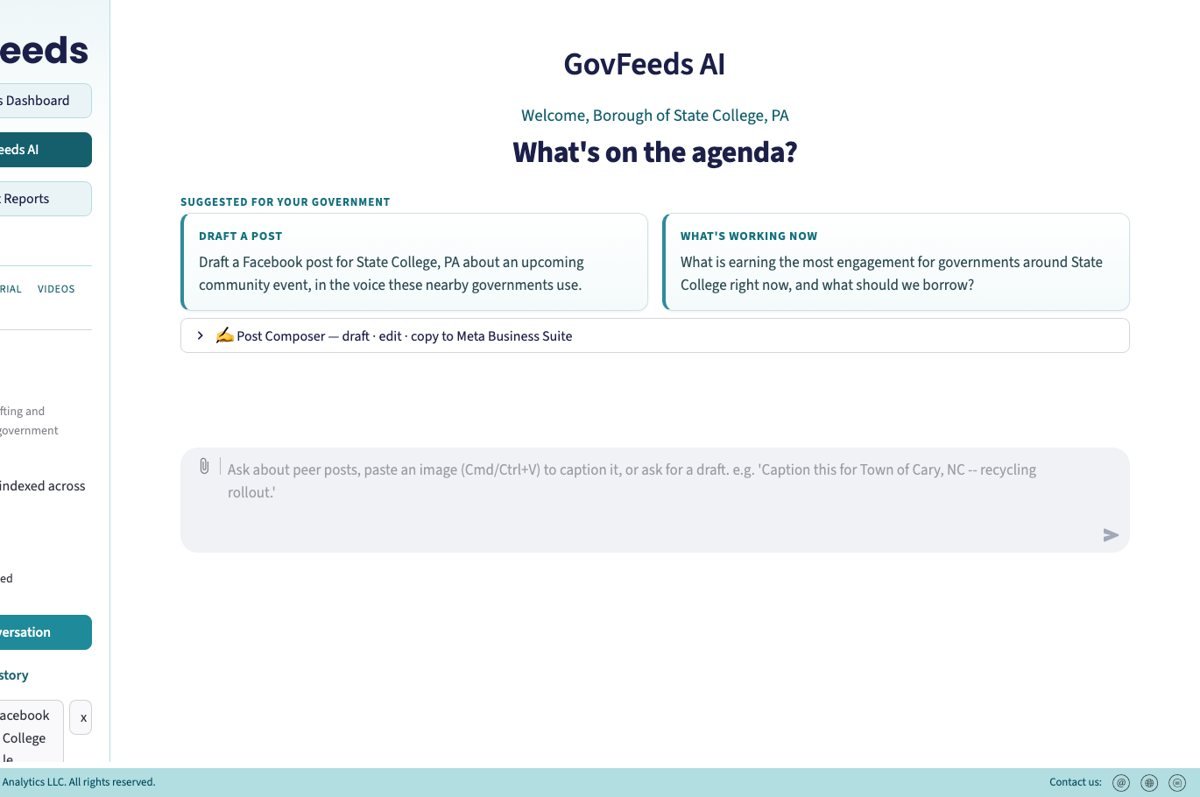
Draft from evidence, not a blank page. The drafting screen above is where non-specialists lean hardest: ask for a post about a road closure or a park opening, get a ready-to-edit draft grounded in cited peer examples, and copy it out to Meta Business Suite. No prior experience required, which is precisely the point of this guide.
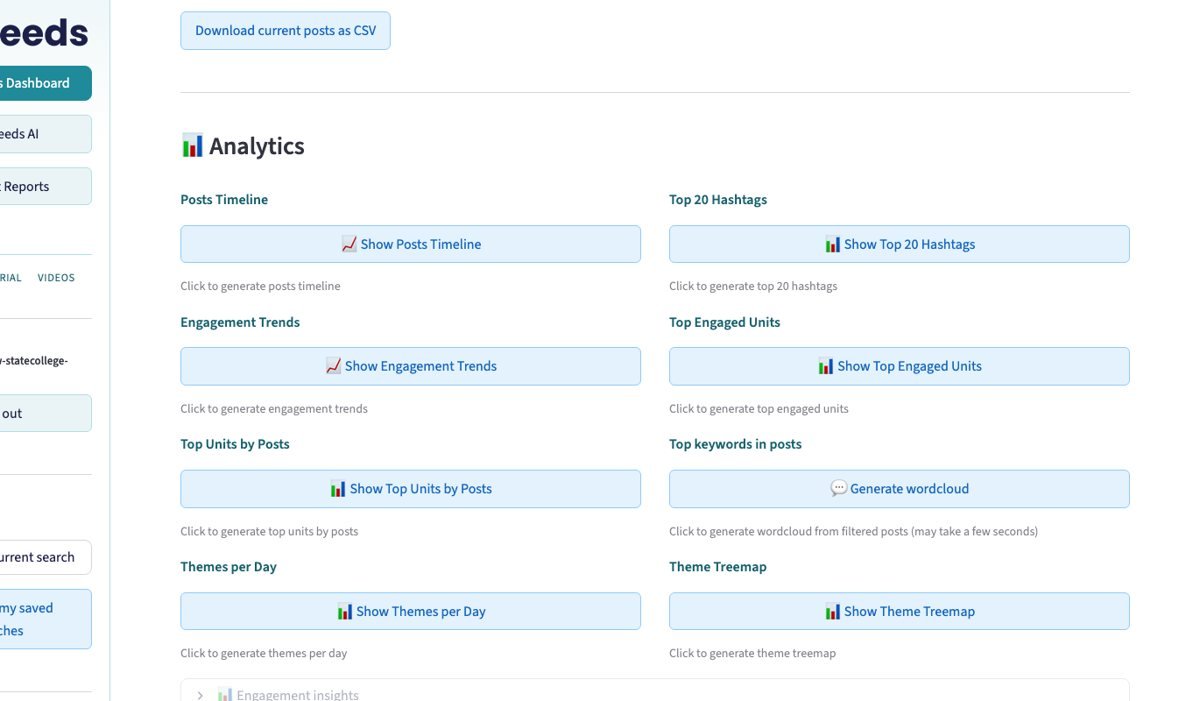
Forward the monthly report. Subscribing managers do not keep the monthly benchmarking PDF to themselves: our logs show share links being opened by colleagues within minutes of the manager first opening it, in towns from Maine to Florida. The report is how the new person’s work becomes visible to council without anyone building a slide.
Their first month, on rails
With the structure above in place, the new person’s own ramp is straightforward, and we have already written it: Your first 90 days running a government’s social media is the staffer’s-side companion to this guide. It walks them from “what does normal look like for a government our size” through fixing the topic mix to putting one page of results in front of you at the 90-day mark. Send them both links on day one.
The short version of their month one: watch what comparable governments post before writing anything, hold the cadence floor with easy wins from the pre-approved categories, and keep a running list of what earned a reaction. Nothing about month one requires prior experience. It requires a clear frame, which is yours to provide.
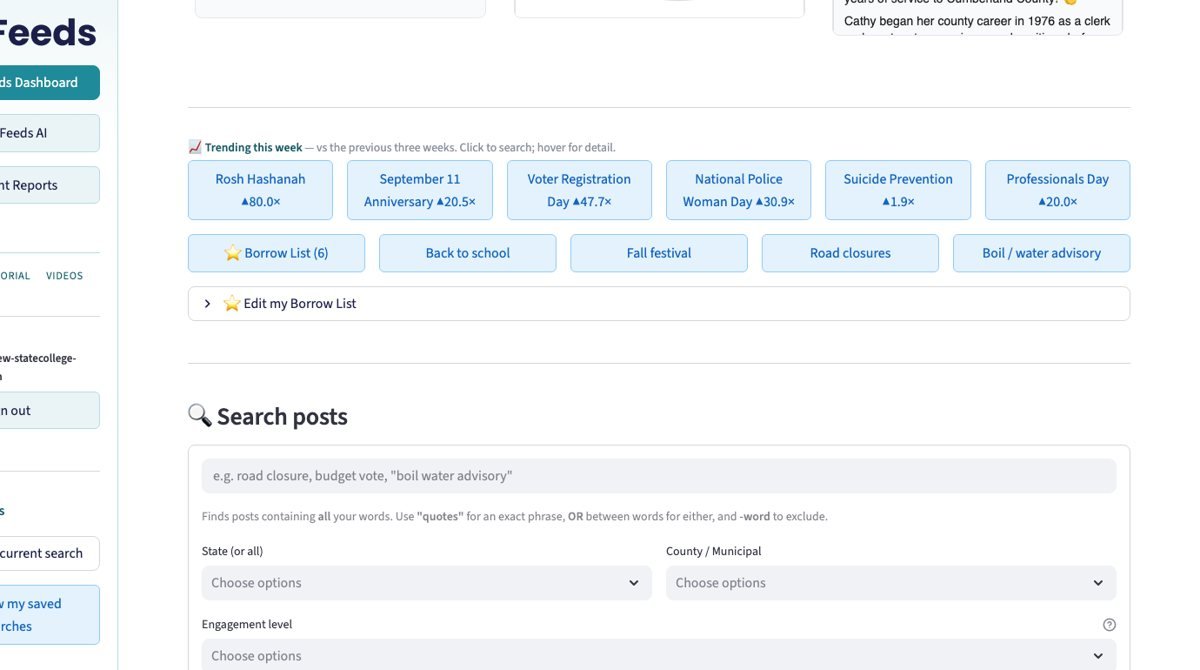
If your government uses GovFeeds, the fastest orientation is the Getting Started guide: seven steps from sign-in to searching what peer governments are doing to drafting a post with cited peer examples.
How you will know it is working
Do not grade your new person on follower counts or on one viral post. The honest measures for a small government are simple: the cadence floor held every week; the mix shifted toward the categories that earn attention; and median engagement per post is moving against comparable governments, not against last month’s luck. For what a one-page monthly readout to council looks like, use How do we compare to other cities?
Give it a quarter. Consistency compounds slowly, and the measurable version of “it is working” is a boring, steady line that trends up against peers.
Where these numbers come from
Every figure in this guide comes from GovFeeds’ own measurement of public local-government posting: more than a million public Facebook posts by thousands of U.S. city, town, township, and county governments over the last twelve months, measured the same way for every account. The cadence, topic-mix, and weekend figures are detailed, with charts, in What should we post this month?. The account-structure finding comes from our government-by-government mapping of official pages, most recently a complete pass over one Pennsylvania county in September 2026. The manager quote is from a September 2026 product demo with a New York city manager, used with the identifying details removed.
See what your new person will be working with
GovFeeds shows any government what comparable communities are posting and what actually earns engagement, so a non-specialist starts from evidence instead of a blank page. The 14-day trial is free and needs no credit card.
Start a free 14-day trial See a sample monthly report
Prefer to see your own numbers first? Request a free one-off report for your community, or hand your new person the staffer’s companion guide.